Monday, March 14, 2011

photoshop x-tra credit

For this altered photo I used fish eye effect. this is this is to make the desired area stick out. in thin particular photo I used the city hall building in SF.  There is few step however they have to be executed well.I found this fun and interesting.
This picture was the ripple effect I made it in photo shop. There are multiple step is making this picture they take a while to complete. If you mess up one of the steps you will mess up the photo. I found this very hard and difficult. They result is very different then what I thought it was going to be.
This picture was a picture of a cow at UC Davis. i then used photo shop's threshold to make this cow look red. I found this process fun once i understood and once i remembered all of the steps. i also changed the back ground after i finished the picture.
I went out on the mercy campus and two too different photo's one was of a tree and the together of the field. i then came back to the class room and i blend the two in photo shop. i found this fun and interesting.
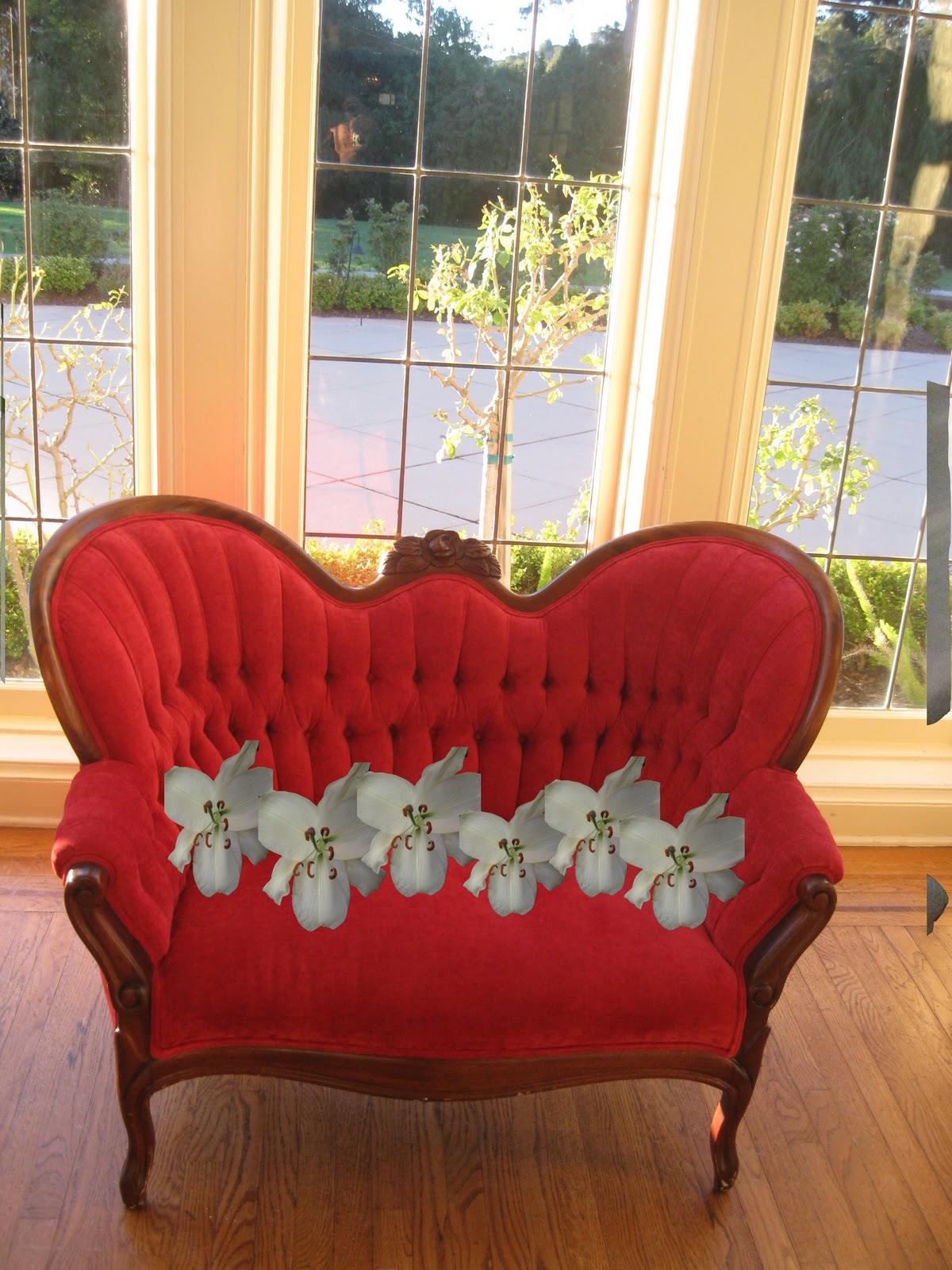
This was also taken on the mercy campus  i took a picture of a chair and a picture of a flower. Then i cut the flower out of it picture. Then shrunk it and then stuck multiples of it on the chair. This was simple yet effective. i like this process.

Photoshop


This picture was alters in photo shop I am going to reflect on how I made this piece. I first looked through all of my most recent photographs and decided on the picture of the barn taken at UC Davis. I then eight clicked on the photograph then selected open and then selected Photo shop. Once I opened it up in Photo shop I was considering what to do so I sat there for a moment. I turned to one of my friends and asked them if they liked the picture they said that it would be a great photo if there was not the nasty mud and hay mess in the front of the photograph. Turned back to my computer looked at the photo for a little it longer then I realized what my friend said was true. Then I began to work on the photograph. I got the cone stamp tool and I cloned one of the hay piles and then stamped it in to the nasty mud spot in the front. I finally finish stamping in my fake hay pile. I then took a long look at my picture thinking what to do next then I thought it would be cool to put a fake background into the photo. I went on to the Internet and searched around Google images for a while then I thought of elephants and sunsets and I typed it into the search bar and I found a very cool picture of a elephant and a sunset. I clicked on the image to make it larger then I right clicked on it and saved it to my desktop. Then I exited out of the Internet and opens up my Photo shop window then I went to the tool bar and coiled file then open and I got my saved photo into photo shop. Now I needed to make the to images the same size so they would both correspond to each other. I went to image and then selected image size and then made my to image the same size. After that I then I used the clone stamp tool and I cloned the elephant sunset and then I stamped it into the background of the barn photo. That is how I made this photoshopped picture.      

Thursday, February 24, 2011

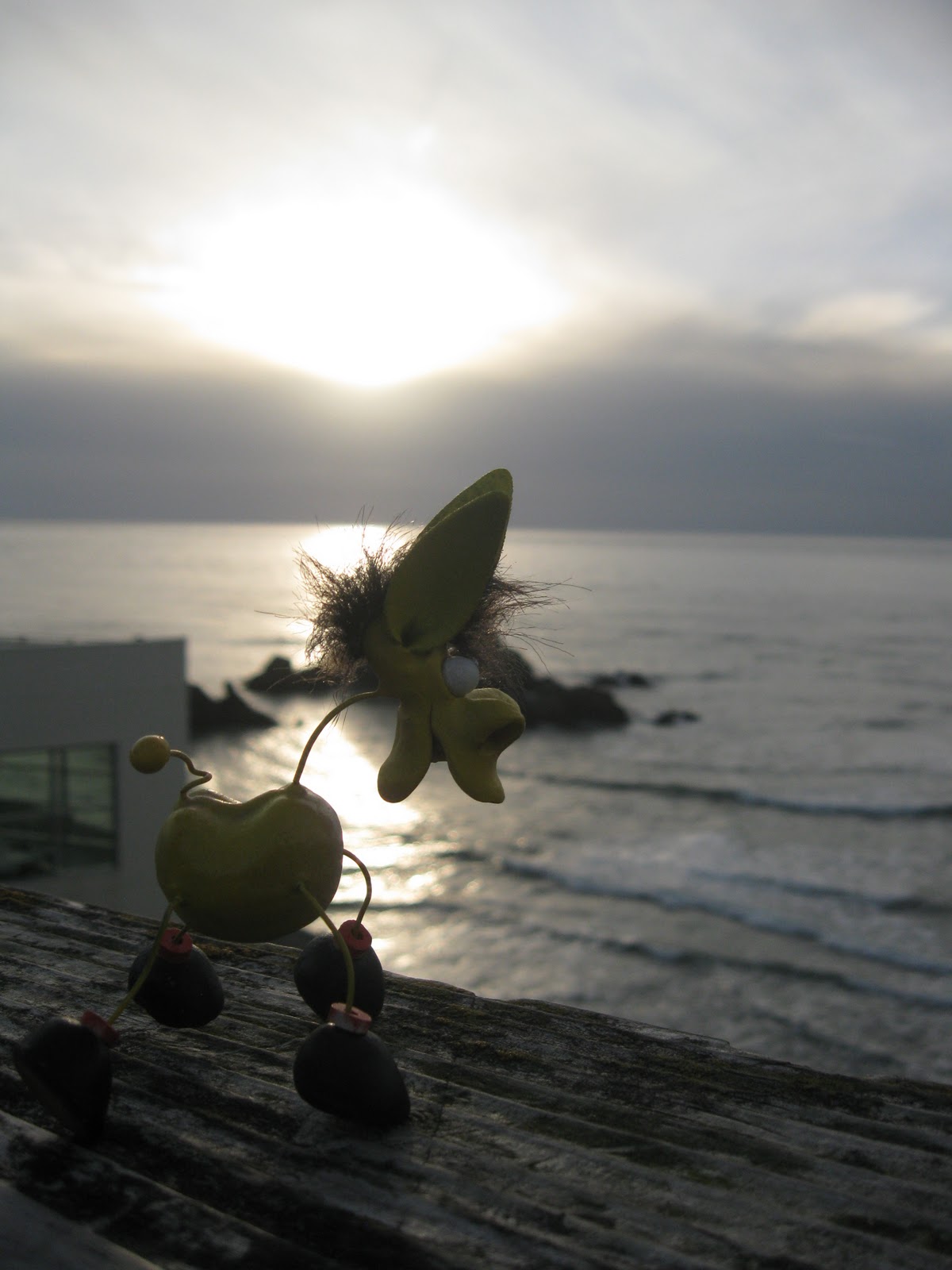
little toy

photo shopped old and new cliff house

at windmill

at Sutro bath

at beach

at cliff house

COPY/ PAST

I copy and pasted the picture Justin Beiber, the leaning tower of piza, and a random building using photo shop

Wednesday, February 16, 2011

Wednesday, February 2, 2011

Landscape

Ocean Beach Abstract

Ocean Beach Big View

Ocean Beach Big View edited

Ocean Beach Abstract